This website uses cookies

We use cookies to improve our services. Some of them are essential for the functioning of this website, but you can decide for yourself about others. Read more about how we use cookies and how you can refuse them if you wish.

Canva

Canva

Video creation Graphic design PDF/text creation Animation/Interactive animation

Short description

Canva is an online platform designed for easy creation of graphics, presentations, videos, and other visual materials. It offers a wide range of templates suitable for marketing, education, social media, and personal projects.

Pros and Cons

Proc
  • Intuitive user interface suitable even for beginners
  • A wide range of templates for different formats
  • Export to various formats
  • Real-time team collaboration
Cons
  • Some elements and templates are only available in the paid version (Canva Pro)
  • Limited advanced graphic editing capabilities compared to professional tools
  • No support for creating interactive quizzes and tests

Detailed description

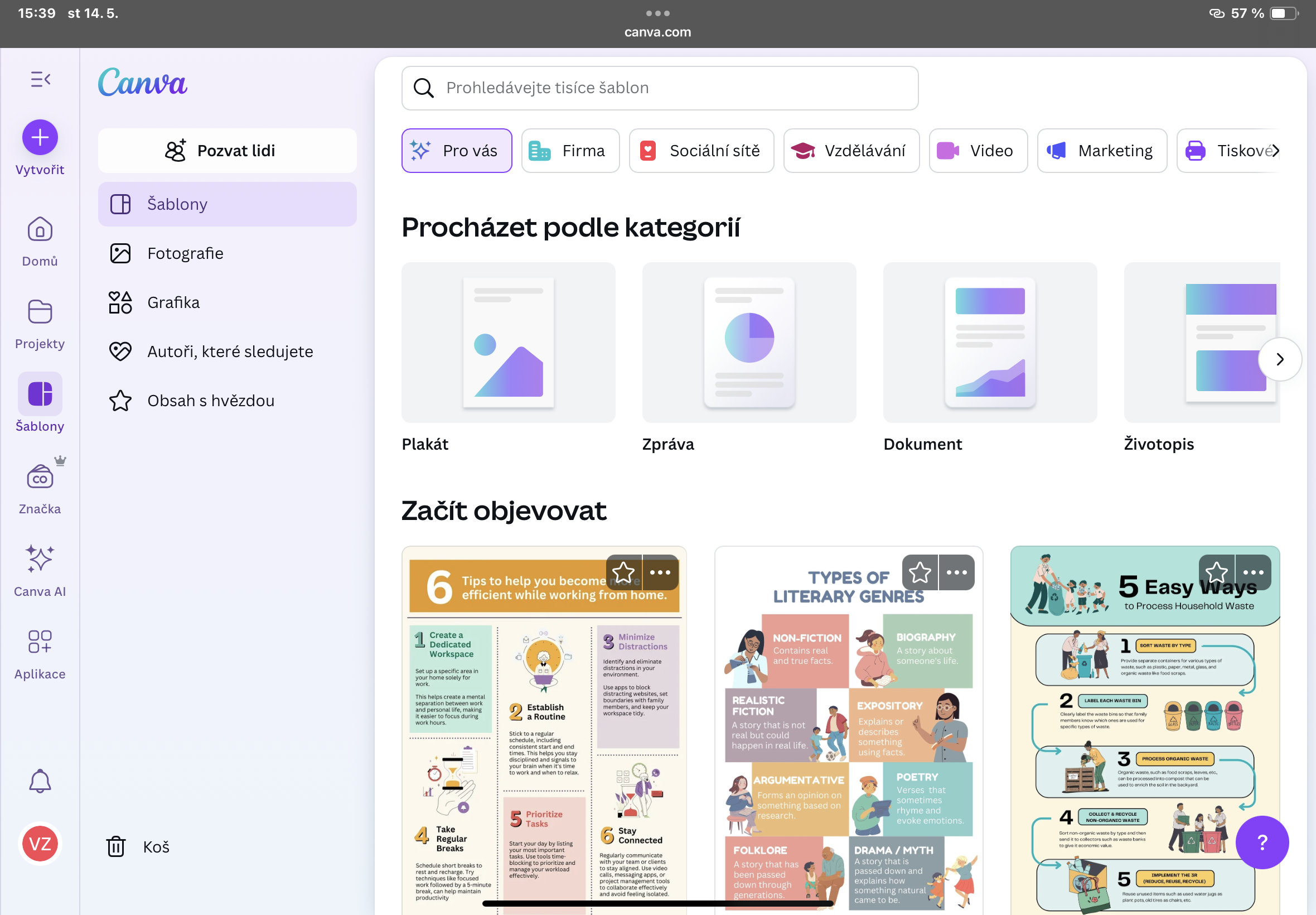
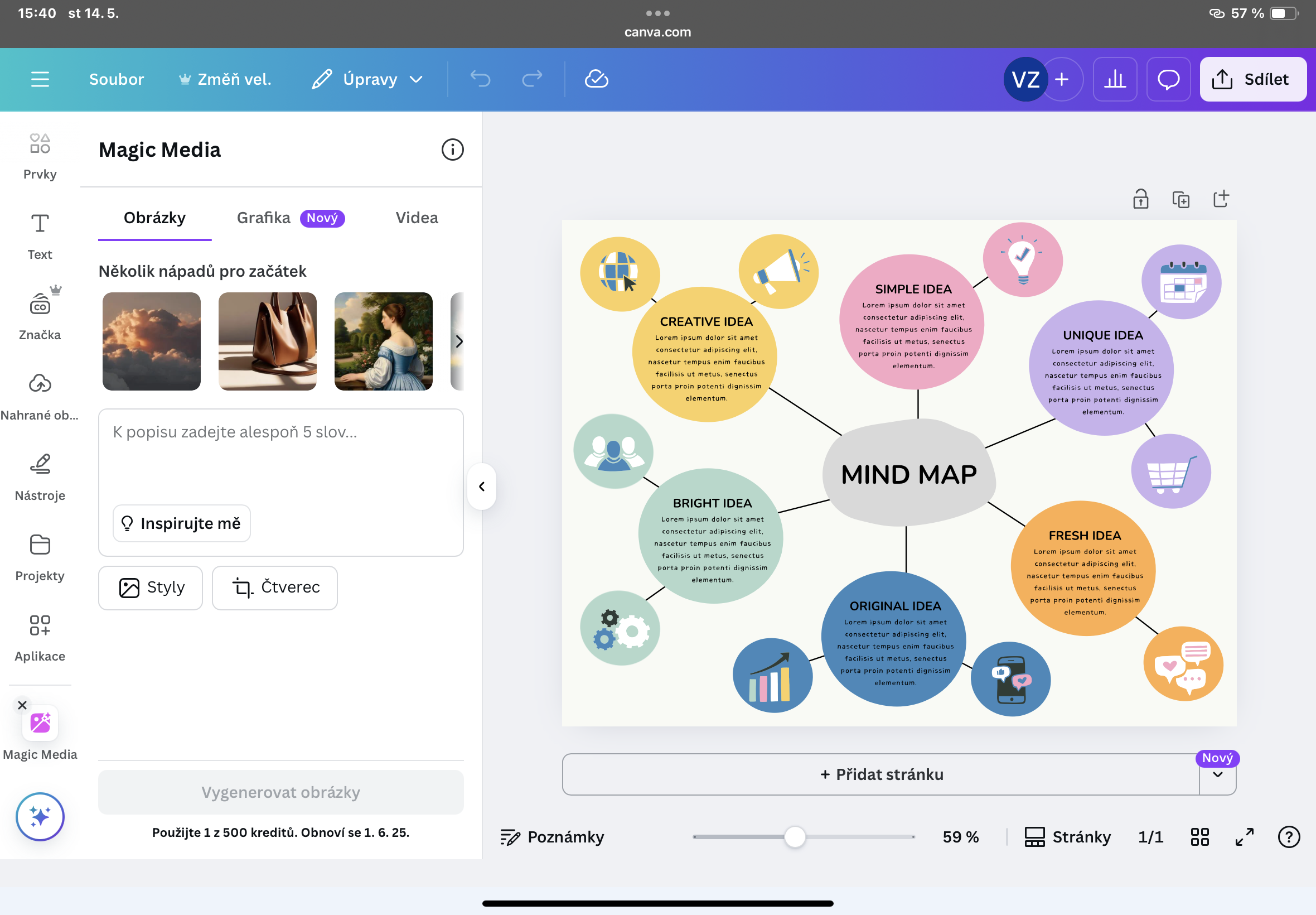
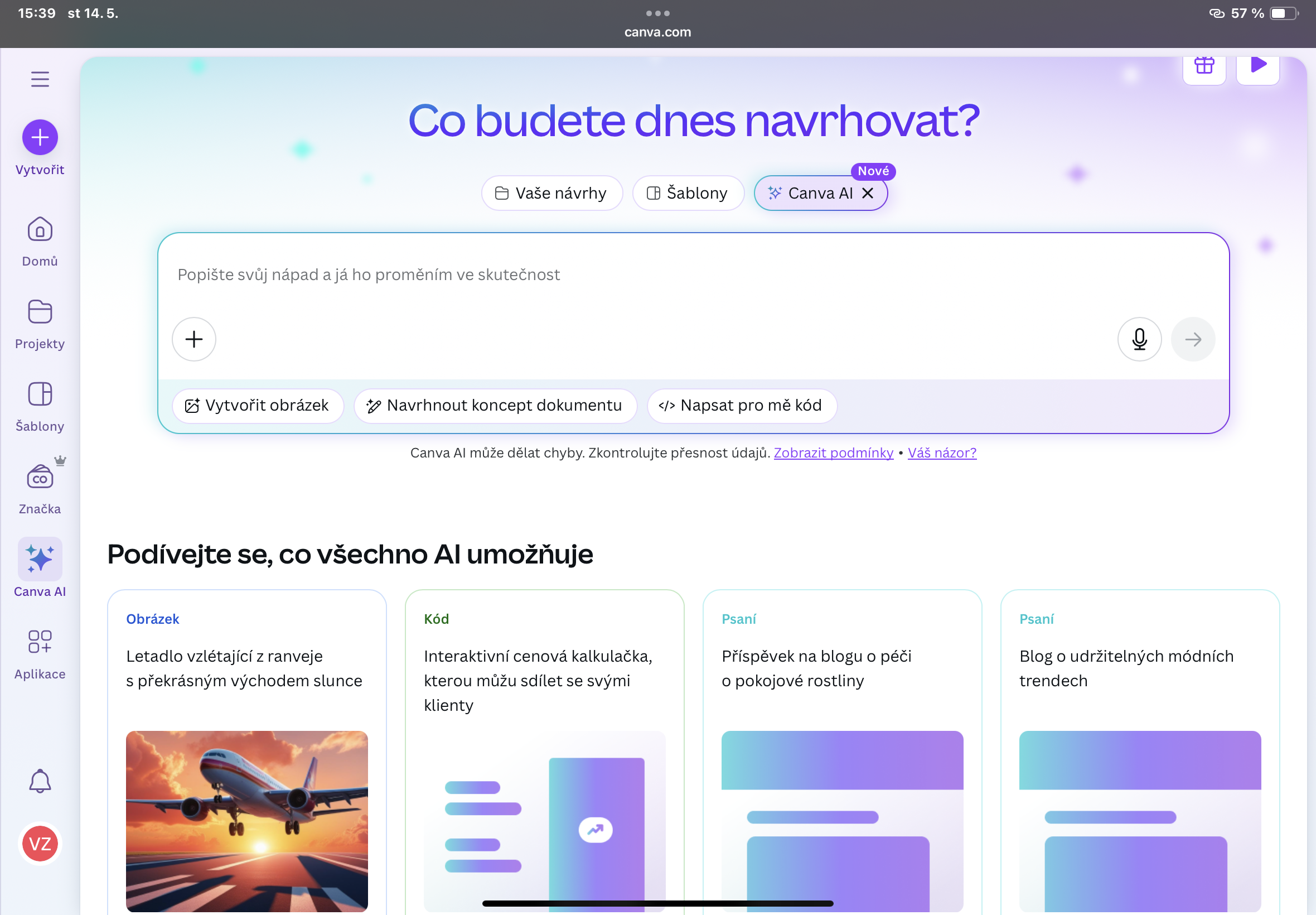
Canva is one of the most widely used online tools for creating graphics and design materials. It allows users to quickly and easily create professional-looking visuals even without prior graphic design experience. The platform provides an intuitive drag-and-drop interface that allows you to add text, images, charts, icons, and other elements to pre-designed templates.

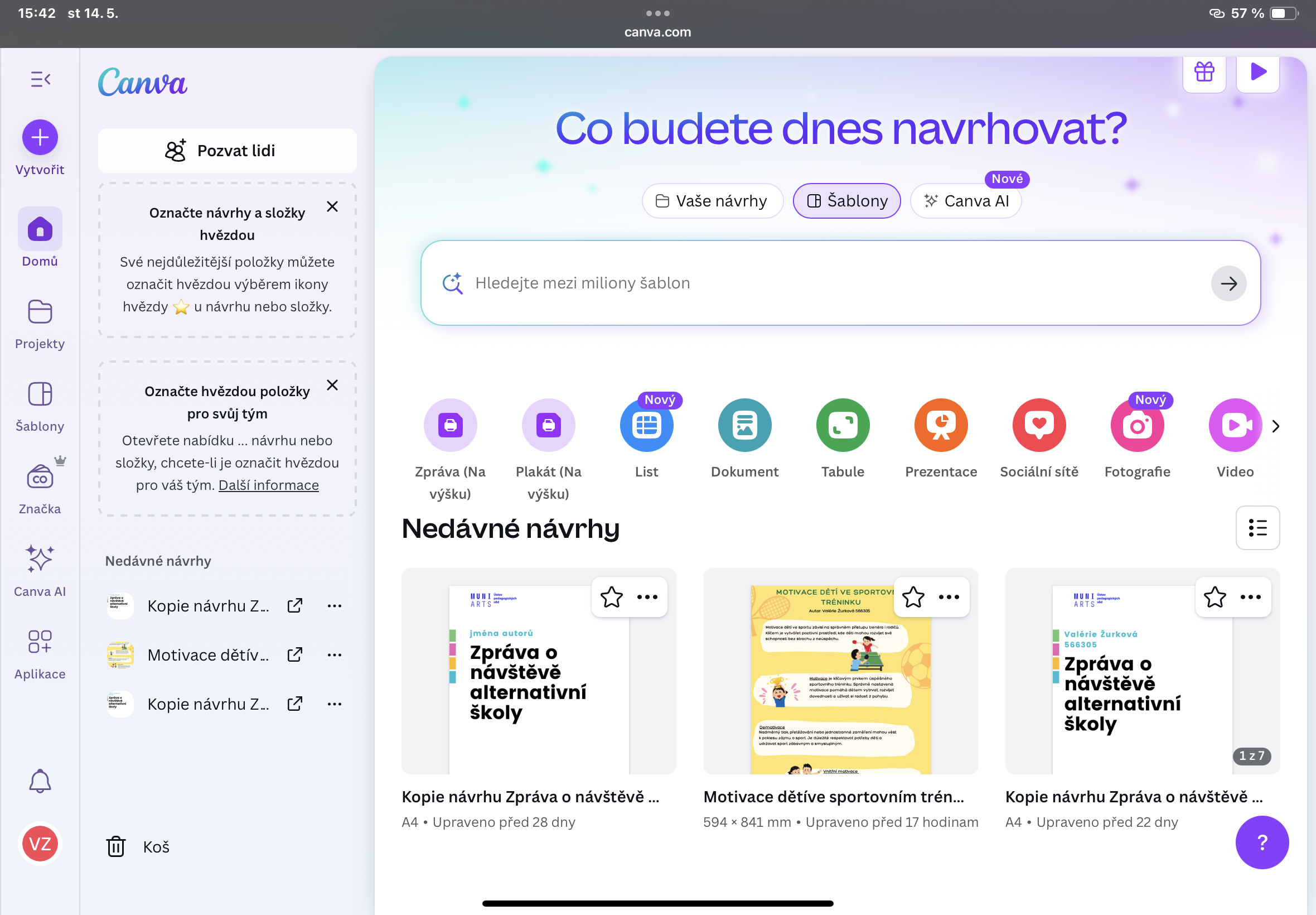
Canva supports team collaboration, so multiple users can edit designs at the same time. It is also possible to share finished projects directly on social networks or download them in high quality.

Screenshots

 Canva screenshot
 Canva screenshot
 Canva screenshot
 Canva screenshot

Data security

Information required when installing/registering the application
  • Your e-mail
  • Name and surname
Types of processed data
  • Personal data (name, e-mail, IP address...)
  • Study data and application usage data (tests, course pass rates, analytics)
Location of data / servers
  • Within the EU
  • Outside the EU
Back to app overview
logo Canva

Price model

  • Free
  • Fremium (Functionally limited)
  • Subscription

Platform

  • Online (browser)
  • Desktop (Windows / macOS )
  • Mobile app (Android/iOS)

Supported system

  • Windows
  • macOS
  • Android / iOS

Supported languages

  • Czech
  • Slovak
  • English
  • German
  • Polish
  • French
  • Spanish
  • Other

Need help choosing?

Choosing the right education system is not an easy task. We will be happy to help you with your choice. Let us prepare a tailor-made needs analysis. Together we will find the most suitable solution.

Contact us